Reading & interface
Settings
Portrait position
Start with the approved composition. Characters share left and right seats; a third seat is used only with three characters. Drag or use the sliders to adjust live.
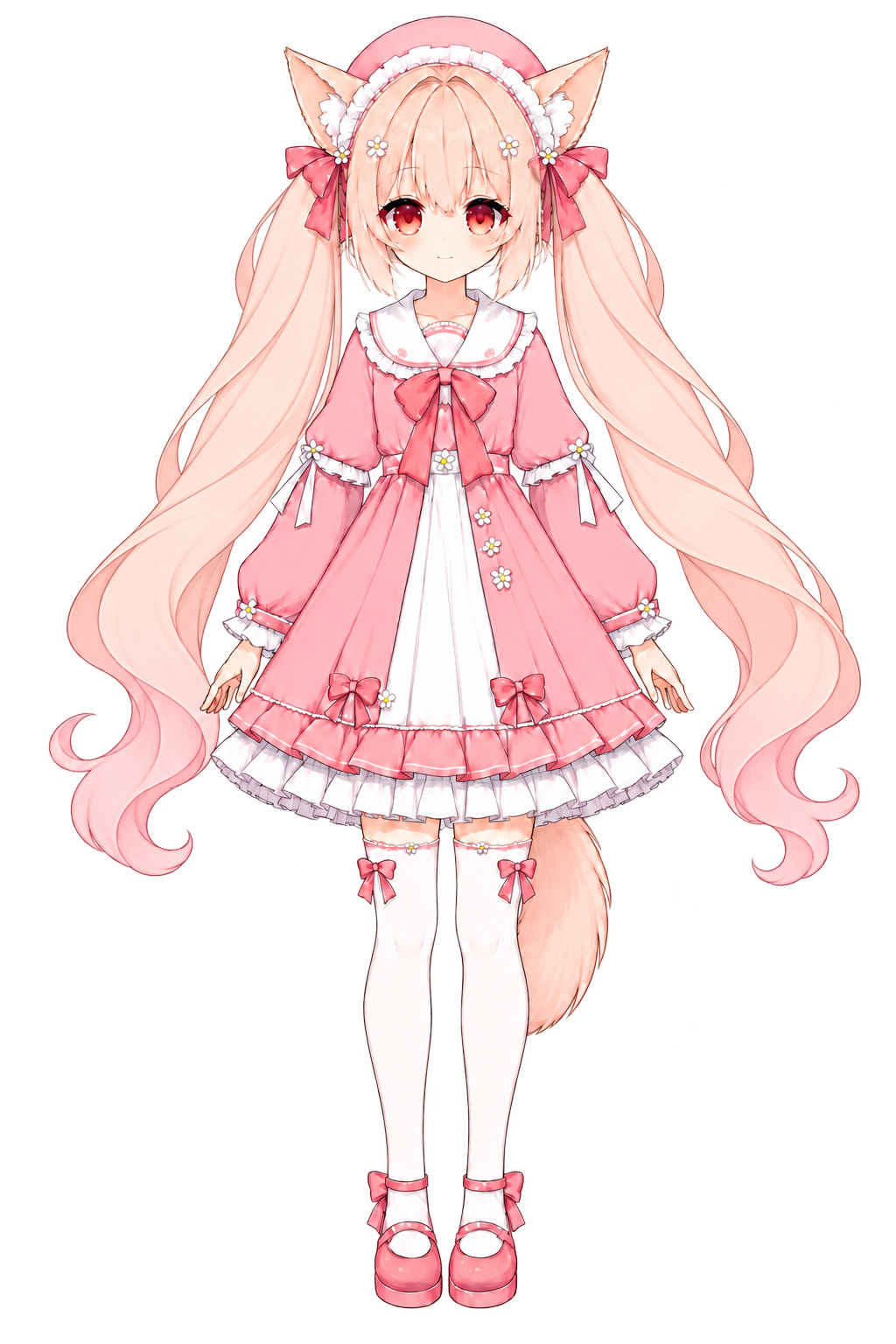
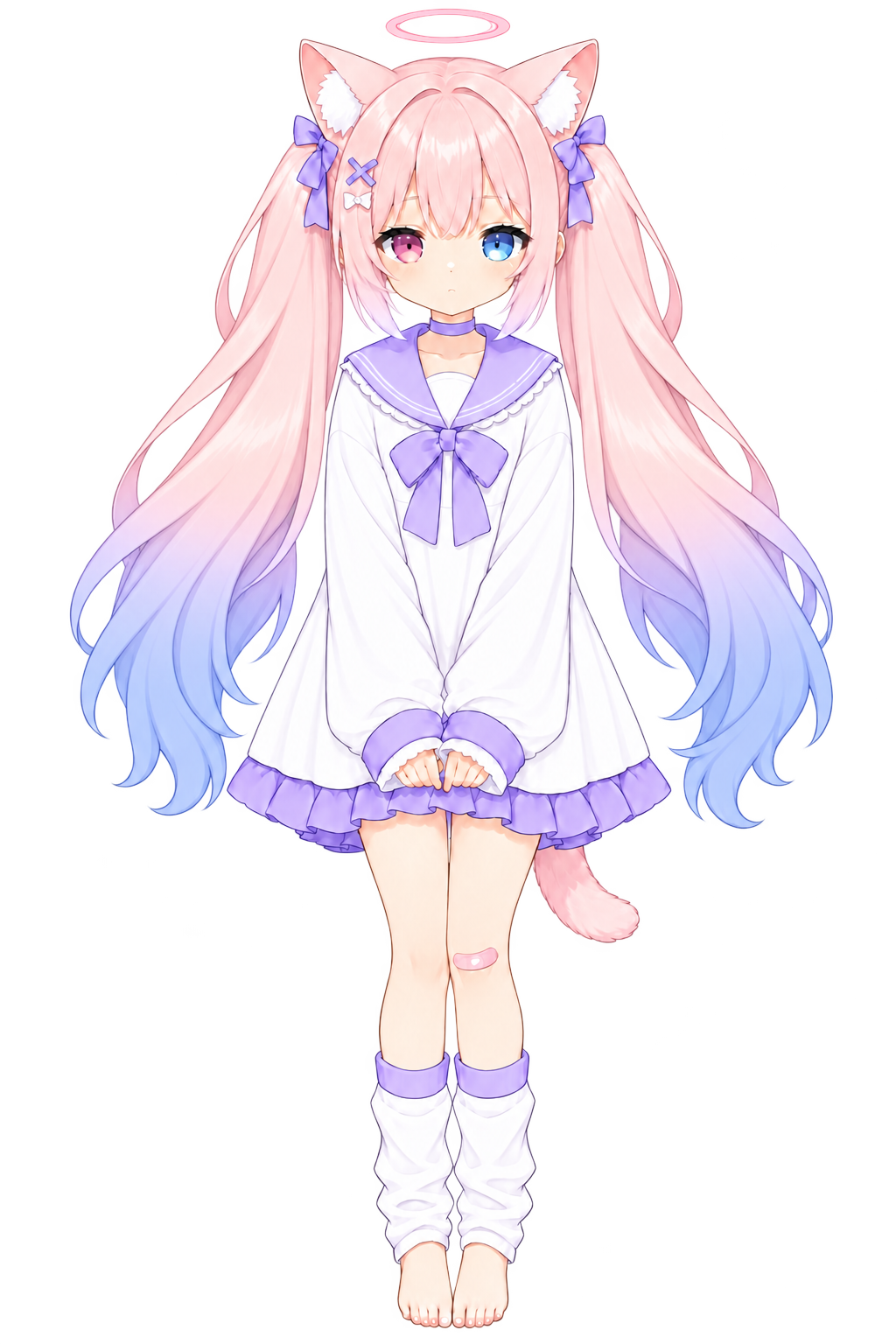
Your composition. The story continues.
Drag a character to move it. Use the sliders or reset to bring an offscreen portrait back.
Editing the Left seat. All characters in this seat share its composition. The third seat is used only in a trio.
Changes apply immediately. Desktop and phone landscape are saved separately for this device and identity, outside learning sync.
Fullscreen and immersive reading
Make room for characters and backgrounds. If fullscreen is unavailable, see the Home Screen instructions.
Brief reactions when emotions change. Guest settings stay on this device; account settings support sync. Your system’s reduced-motion preference takes priority.
Account and cross-device learning
Guest records stay on this device. After signing in, you choose whether to merge its guest records.
Learning data and backups
Guest story saves, practice and preferences stay on this device. Download a backup and import it on another device; guest records are not synced to the server. Only this product’s backup files are accepted, up to 2 MB.